
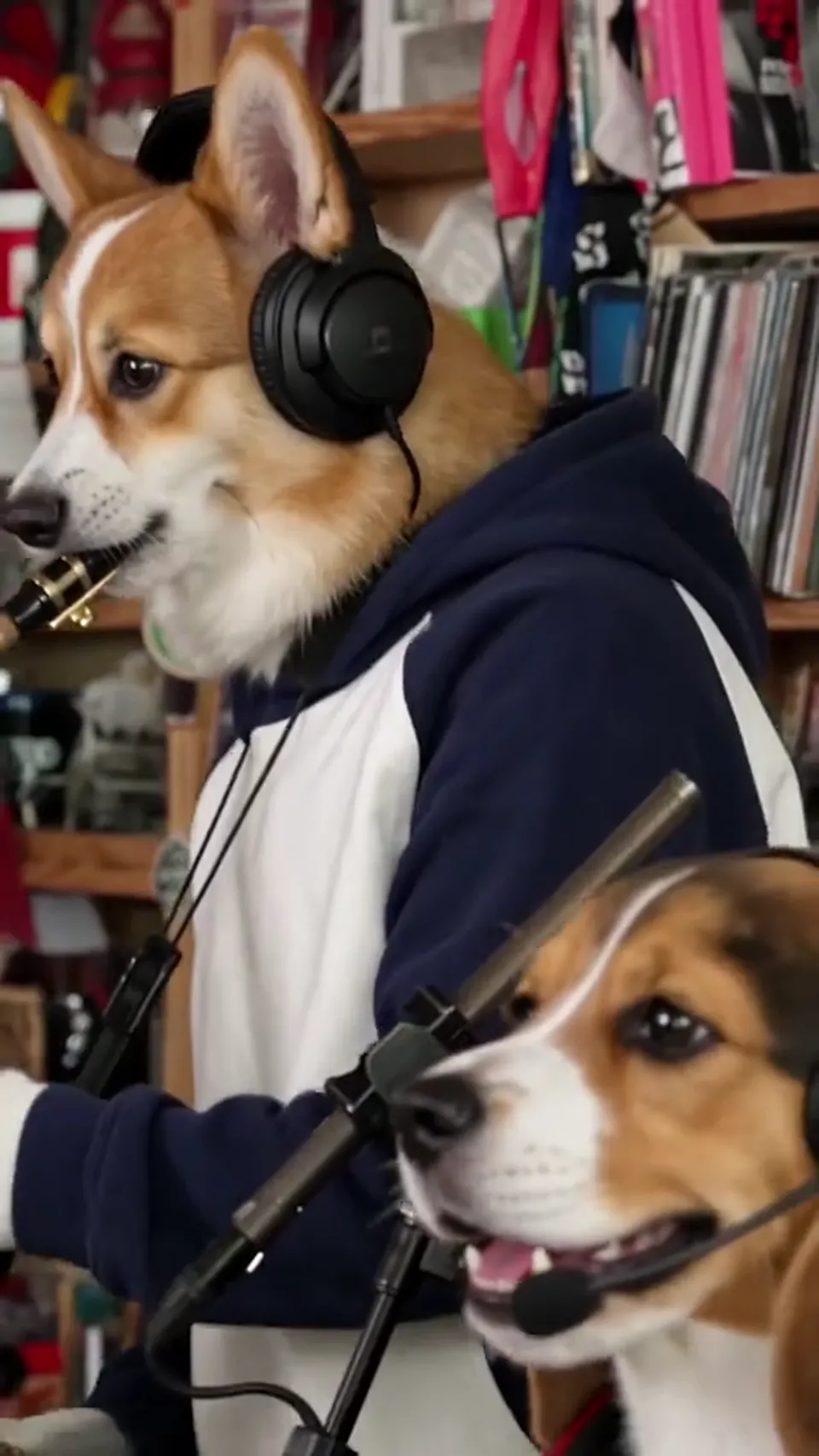
Which video format should I choose before checkout?
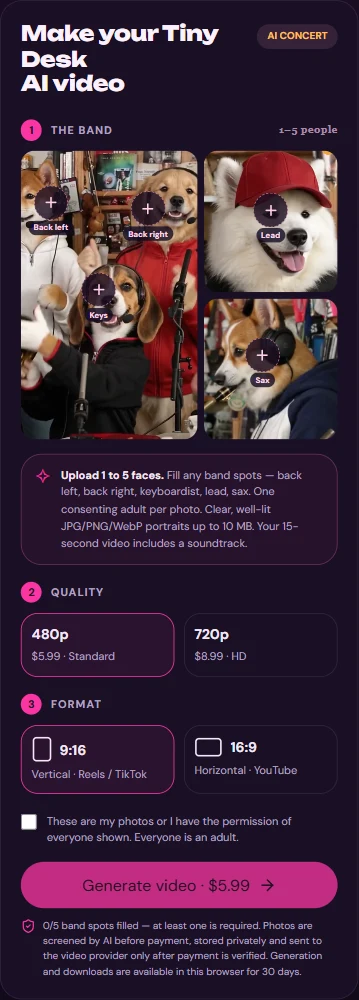
Select 9:16 when you want a tall, phone-first composition; select 16:9 when you want a wider composition. They are two generation options, not two exports of the same paid render. Decide where you plan to post before checkout; this site does not promise an aspect-ratio converter afterward.
For either shape you can choose 480p at $5.99 or 720p at $8.99 per video. The higher setting changes resolution, not duration, framing guarantees or music rights. Check the final payment amount.
How to make a share-ready AI band video
Make the MP4 on this website first. Posting is a separate step on your chosen platform; this tool does not log into Instagram or YouTube for you.
- Select individual portraits of 1–5 consenting adults, each in its intended role; choose the fourth Lead slot for your singer.
- In the studio, choose 9:16 or 16:9 and then 480p ($5.99) or 720p ($8.99). Preview the sample before paying.
- Review consent and the one-time checkout, optionally enter a delivery email and return to the same browser for generation status.
- Play the finished 15-second MP4 with sound, inspect faces and the singer close-up, then download it within the 30-day access period.
- On the destination platform, check its current upload specifications, audio rules and your permissions before you publish.
Does the downloaded MP4 already have sound?
Yes: the studio adds its fixed soundtrack to silent AI footage before delivery. The on-page sample or finished player may start muted; enable the sound control and check the downloaded file. Do not assume you must add music a second time in a social app.
You cannot pick another song, submit lyrics or request precise word-by-word lip sync in this template. If you choose to edit the audio elsewhere, arrange any rights you need first.
Will Instagram or YouTube accept this video and music?
Acceptance and reach are not guaranteed. Upload specifications and music policies may change, and the same file can be treated differently depending on account, location and intended use. Verify the destination's current rules instead of treating this guide as approval to publish.
Only use portraits with the adults' permission. A paid AI video does not grant blanket rights to another artist's song, a real concert or anyone's likeness; get the permissions you need for your planned distribution. Identify the performance as AI-created where confusion is possible.
How can I keep the file for later posting?
Download the MP4 promptly, then confirm that it plays on your device with sound before copying it to the app where you intend to post. A browser's order history is not a local video backup.
Completed videos are stored privately for up to 30 days; use the same browser to find your order. If your clip needs an edit or another orientation later, the current order does not include a second format export.
Upload one to five adult portraits. Choose your format, check the one-time price, and make a 15-second video with the fixed soundtrack.
Make my video →