
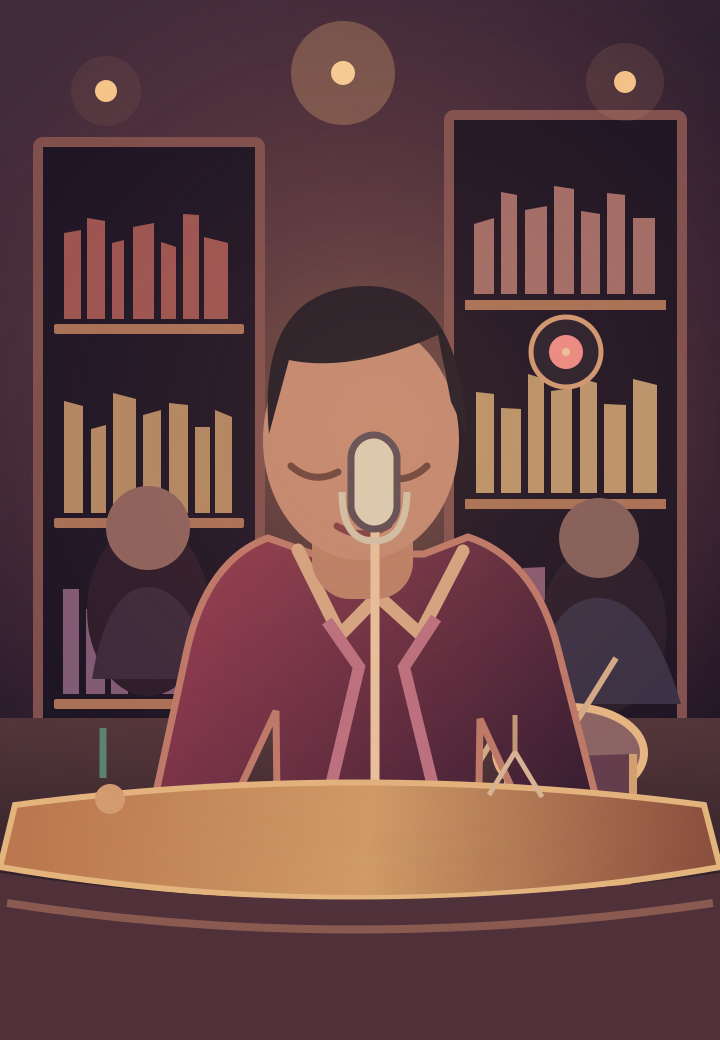
A microphone in the picture is not an audio feature
A performer can appear at a microphone in a completely silent clip. Background music can also be added to a video without the performer actually singing. Treat the concert setting, audio track, generated voice and lip synchronization as separate questions rather than assuming that one includes all the others.
Ask what happens to the soundtrack
Before using a tool, look for a clear explanation of whether the output is silent, uses supplied audio or creates new audio. Check whether you must provide your own track and whether it can be changed. A demo with music does not, by itself, explain which audio features are included in the product.
Our current Tiny Desk AI Videos preview has no audio generation or soundtrack selection. No original concert recording, song or vocal performance is bundled or promised.
Look closely at lip sync
Lip sync is about mouth movement matching the timing of speech or singing. It is not the same as general face animation. When reviewing a real example, listen and watch together: do mouth openings line up with the words, and does the expression stay consistent through the shot? A still illustration cannot demonstrate that capability.
Plan sound separately
For a personal creative brief, decide whether you want a silent mood piece, instrumental accompaniment or a vocal performance. Keep that choice separate from the visual prompt. Use material you have permission to use, and do not imply that an AI-created scene is a real recording of someone performing.
Until our generation workflow has been built and tested, we cannot confirm audio support, lip-sync quality or clip duration. The homepage illustrations communicate the visual direction only. Check the studio status before expecting an export or making plans around an unfinished feature.
See the concept studio and planned one-time pricing. Video generation is coming soon.
Explore the studio →